Chatbot Integration: Website, WhatsApp and CRM, Step by Step
Chatbot integration is more than adding a chat window. How to connect a bot to your website, WhatsApp, Instagram and CRM, which Meta rules apply and what to check before you go live.
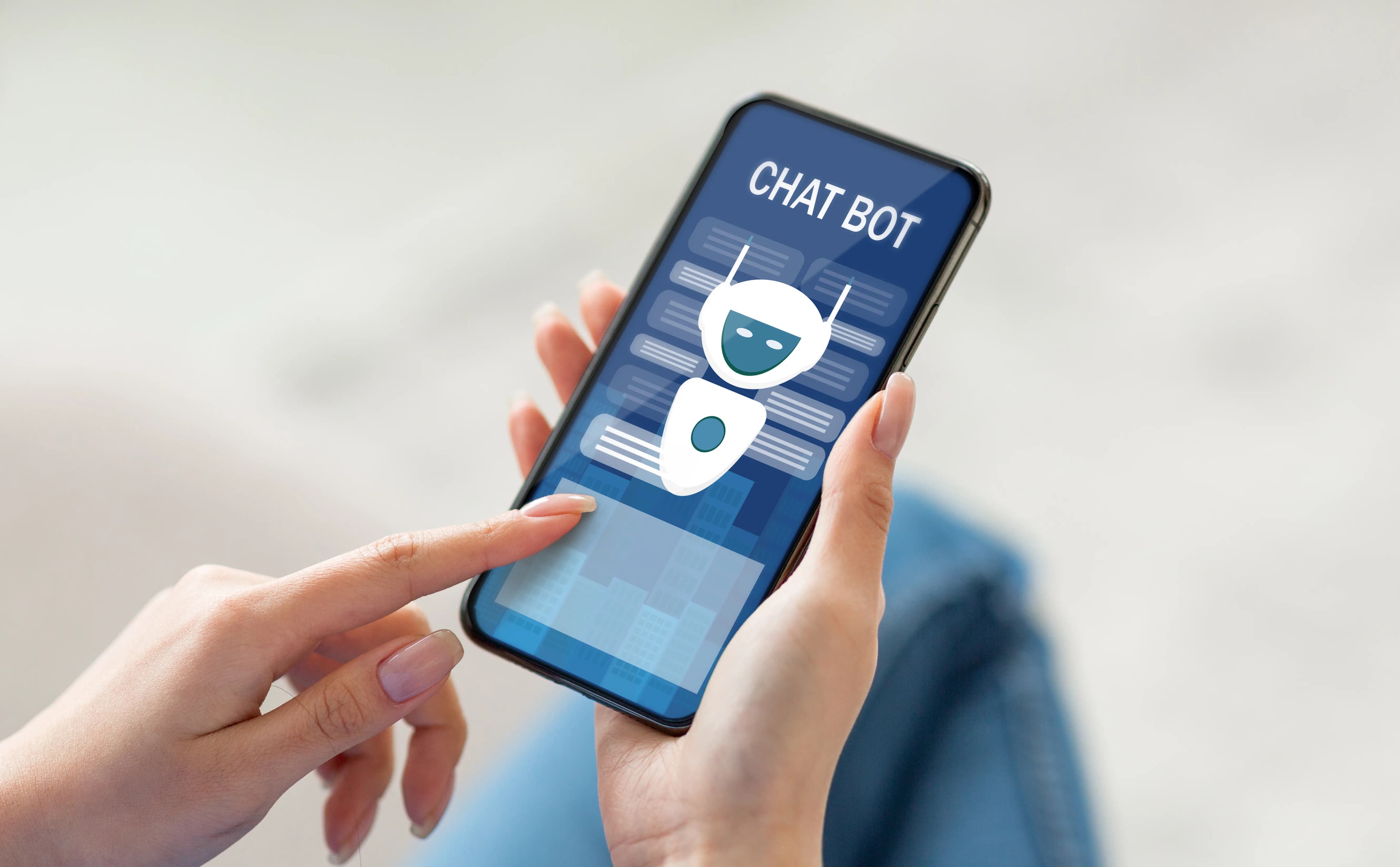
Chatbot integration means connecting a chatbot to your website, to messaging channels such as WhatsApp or Instagram, and to the systems behind them (CRM, orders, bookings). Adding a chat window to your site is only the visible part. What makes a bot genuinely useful is secure access to customer-specific information and a clean handover of the full conversation to a human agent the moment it cannot answer.
What layers does a chatbot integration have?
Thinking of a chatbot setup as three layers makes both planning and troubleshooting easier:
- Channel (front end): where the user types. An on-site chat window, WhatsApp, Instagram, Messenger.
- Bot engine: the part that understands the question and produces the answer. It can be a rule-based flow, an AI model or a mix of both.
- Back-end connections: the systems the bot uses to fetch customer-specific information and create records. CRM, e-commerce platform, inventory, booking calendar, support tickets.
Most problems show up in the third layer. The window looks fine on the site, but if the bot cannot look up an order status, the user still picks up the phone.
How do you add a chatbot to a website?
The most common method is to add the JavaScript snippet supplied by the provider to your site's shared template. On content management systems such as WordPress this is usually done with a plugin, in custom software projects through the template file, and in some setups through a tag manager. Installation takes minutes; the points that need real attention are these:
- Page speed. If the chat script loads while the page opens, it can slow the page down, especially on mobile. Defer the script or load it after the user interacts with the page, and measure speed before and after installation.
- Page-specific behavior. On a product page, "any questions about this product?" works better; on the cart page, delivery and returns questions; on the contact page, a direct option to reach an agent.
- Mobile layout. A mistake we see often is the chat bubble covering the add-to-cart button or the cookie banner on mobile.
- Cookies and privacy notice. If the chat tool sets cookies or stores conversations, it must be covered in your cookie preferences and privacy notice.
How do you connect a chatbot to your CRM and order system?
The connection runs through APIs: the bot asks the back-end system predefined questions and passes the answer to the user in plain language. Typical connections are:
- Order status. The user enters the order number along with a phone number or email address; after verifying identity, the bot checks the shipping status.
- Lead capture. The name, contact details and need collected by the bot are created in the CRM as a new lead or opportunity and assigned to the right sales rep.
- Appointments. Available slots are read from the calendar, the slot the user picks is reserved and a confirmation message is sent.
- Support tickets. An issue the bot cannot resolve lands in the support system as a ticket, together with the conversation transcript.
Security in this layer rests on two rules. First, the bot must verify identity before revealing personal information; someone who only knows an order number should not be able to see the delivery address. Second, API keys must be kept on the server, not in the browser, and the bot should only have permission for the operations it actually needs.
How do you integrate a chatbot with WhatsApp?
To connect a bot to WhatsApp you use Meta's WhatsApp Business Platform, not the WhatsApp Business app on a phone. The connection is made either directly through Meta's API or through a solution partner that operates on the platform. According to Meta's documentation, these are the rules you need to know:
- When a user messages or calls you, a 24-hour customer service window opens. If the user writes again before it closes, the window resets to 24 hours.
- While the window is open, you can send free-form messages such as text, images, locations and interactive messages.
- After the window closes, you can only send template messages, and the template status must be approved (APPROVED).
- Pricing is based on delivered template messages, by template category (marketing, utility, authentication) and the recipient's country code. Rates are updated from time to time, so plan your budget using Meta's current pricing page.
In practice, this means notifications sent without the user writing first, such as "Your order has shipped" or "Your appointment is tomorrow at 10:00", must be designed as templates and submitted for approval from the start. If this step is not in the project schedule, the bot cannot send notifications when it goes live.
What is different on Instagram and Messenger?
Under Meta's Messenger and Instagram messaging policy, a business has 24 hours to reply to a user, and messages sent within that time may include promotional content. After that, you can only write using specific message tags and for limited purposes. For example, Messenger has a tag that gives a human agent 7 days to reply manually; it cannot be used for automated bot messages. The policy also states that some tags are valid only on Messenger, so check what is allowed on which channel before you build.
The same policy requires that, where the law requires it, users are told at the start of the conversation that they are talking to an automated system, and it recommends this as general good practice. Adding a line such as "I am a digital assistant; you can reach a person at any time" to the welcome message meets this requirement and sets the right expectation.
How should the conversation be handed over to a human?
Handover rules should be written down. Common triggers are: the user typing "agent" or "human", the bot failing to find an answer twice in a row, and sensitive topics such as complaints, returns and payment problems. If a handover request arrives outside working hours, the bot should state when the team will reply and log the request.
The quality of the handover depends on what the agent sees. If the agent cannot see the whole conversation and the customer record on one screen, the user has to explain everything again. That is why businesses using more than one channel are advised to collect all conversations in a single inbox linked to the customer record.
Pre-launch checklist
- Real scenarios have been tried in a test environment (order lookup, return, appointment, off-topic question).
- The identity check before personal information works.
- Out-of-hours behavior and the handover message are defined.
- Template messages for WhatsApp notifications are approved.
- The privacy notice and cookie preferences cover the chat tool.
- Mobile page speed has been measured again after installation.
- It is clear who reads conversation logs, and how often.
If you plan to build the bot engine with AI, we explain knowledge base preparation and ways to prevent wrong answers in our AI chatbot integration guide. If the bot needs to talk to your sales and customer records, our CRM and ERP solutions form the other end of that connection. If you would like to plan the setup for your own channels together, get in touch.
Related service
CRM and ERP softwareSee how we work →How did this land for you?
Be the first to react
Found it useful? Share it:
Frequently asked questions
Can I build a chatbot with the WhatsApp Business app?
The WhatsApp Business app on your phone offers basic automation such as greeting messages and quick replies, but running an external bot and a CRM connection through an API requires the WhatsApp Business Platform. You can join the platform directly through Meta or through a solution partner.
Do I need a separate chatbot for each channel?
No. Usually a single bot engine and knowledge base are built, and channels are added through connectors. Message formats and rules still differ by channel, so the flow has to be tested separately on each one.
Can a chatbot be added to my existing live chat software?
Many live chat tools offer an integration or API that lets you plug in a bot. This lets the bot handle the first response without changing the screen your agents are used to; before you set it up, check how the software shows the bot handover and the conversation history.
Does chatbot integration affect SEO?
No direct ranking effect should be expected, but a heavy chat script can have an indirect effect by slowing the page down. The questions that come up often in bot logs, on the other hand, are a valuable source of new FAQ and content ideas for your site.
Sources
- Service messages — Meta for Developers
- Template fundamentals — Meta for Developers
- Pricing on the WhatsApp Business Platform — Meta for Developers
- Messenger Platform and IG Messaging API policy — Meta for Developers
Related articles
- Web & Software
What Is CRM Integration and How Do You Do It? A Step-by-Step Plan
CRM integration is the automatic exchange of data between your CRM and forms, email, WhatsApp, e-commerce and accounting systems. Which data flows where, how to pick a method, and what to watch on privacy and consent.
6 min read - Web & Software
Chatbot Integration for Business: Channel, Bot Type and Scope
Chatbot integration connects a bot to your customer channels and business systems. How to choose the level, the channel (website, WhatsApp, Instagram) and the bot type, with a decision checklist.
6 min read - Web & Software
Single Page vs Multi Page Website: Which Fits Your Project?
Single page vs multi page website: compare structure, SEO reach, maintenance and growth to pick the architecture that suits your project.
4 min read