Google Display Ads in 2026: Sizes, Targeting and Demand Gen
What the Google Display Network is, which ad sizes and specs to use, how targeting works and what changes now that Display campaigns are moving into Demand Gen in 2026, based on current Google documentation.
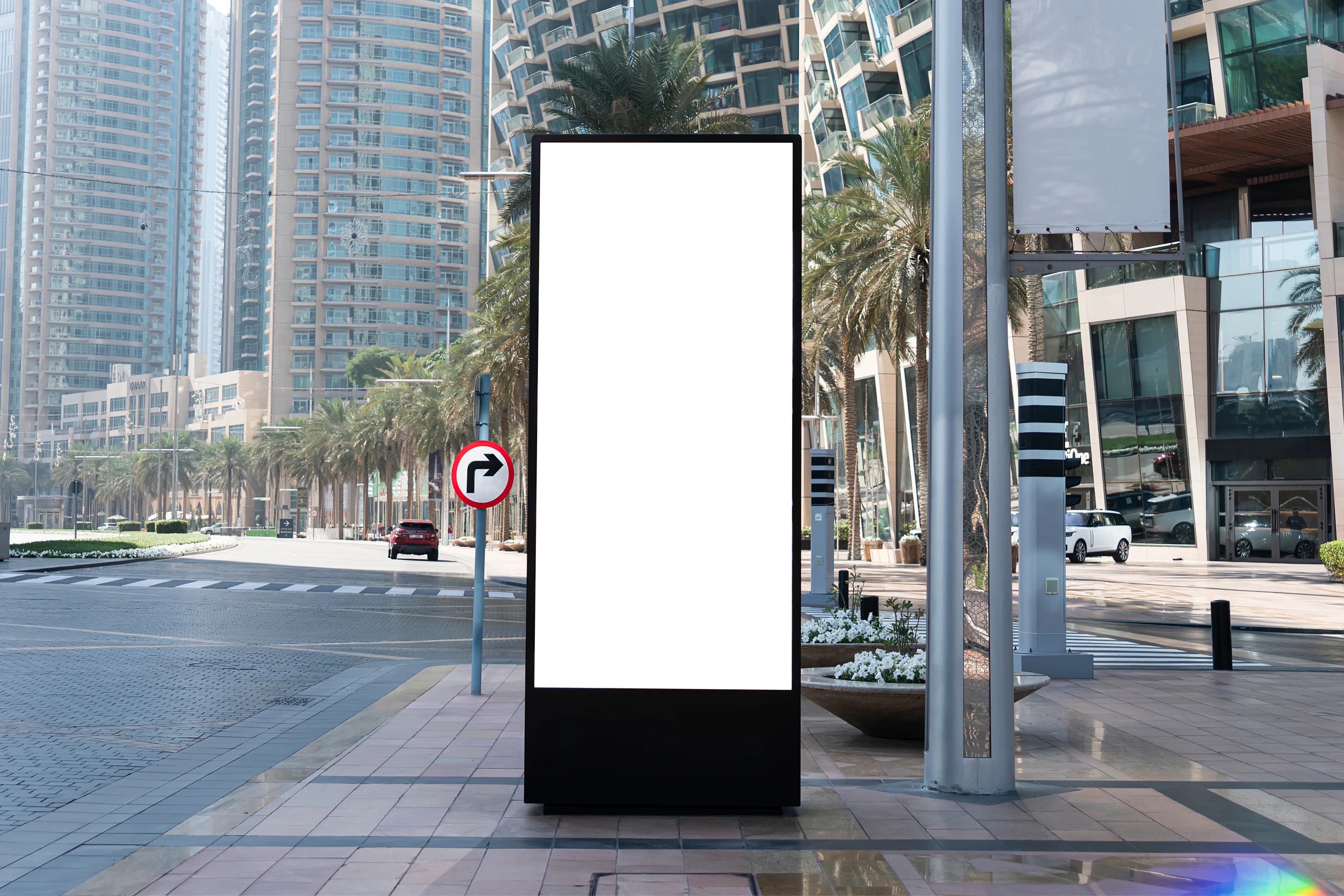
The Google Display Network (GDN) is the network that shows your ads visually across millions of websites and apps, as well as on Google properties such as YouTube and Gmail. Unlike search ads, display ads reach people while they browse content, before they search for anything. The biggest change in 2026 is that Display campaigns are moving into the Demand Gen campaign type, so ad sizes and setup logic need to be read with that in mind.
What is the Google Display Network, and how is it different from search ads?
A search ad captures demand at the moment it appears: someone types "boiler repair near me" and your ad shows up. A display ad creates demand or reminds people of it. Users see your brand while reading a news site, using an app or checking their email.
That is why expecting direct clicks and sales from display, as you would from search, usually leads to disappointment. Display is strong at three things: introducing your brand to new audiences, reaching people who visited your site but did not buy, and delivering wide reach at low cost.
What changed in 2026: Display campaigns are moving to Demand Gen
In May 2026, Google announced that Display campaigns would move into Demand Gen. According to the Google Ads Help Center, the process works like this:
- June 2026: A migration tool started rolling out gradually to eligible advertisers. Existing Display campaigns can be moved into the "Google Display Network" campaign inside Demand Gen; up to 42 days of performance history carries over, and the learning period drops to a day or two.
- Later on: New Display campaigns will only be created inside Demand Gen, and remaining eligible campaigns will be migrated automatically without any action from the advertiser.
A few details matter in this transition. Responsive display ads and uploaded image ads move into the new structure; HTML5 ads are targeted for the end of 2026. Manual CPC, viewable CPM bidding and pay-per-conversion are not supported in Demand Gen. Channel controls still let you show ads only on the Display Network, or add YouTube, Discover and Gmail. If you are building a new campaign now, planning it in Demand Gen from the start saves you a rebuild shortly afterwards.
What are the Google Display ad sizes?
Display advertising has two basic formats: responsive display ads built from assets, and image ads you design yourself.
Responsive display ad specs
With a responsive display ad, you upload headlines, descriptions, images and logos, and Google combines them to fit each ad slot. Google's current specs:
- Landscape image (1.91:1): recommended 1200 × 628 pixels, minimum 600 × 314. Required.
- Square image (1:1): recommended 600 × 600 pixels, minimum 300 × 300. Required.
- Number of images: 1 to 15 per ratio, 5 recommended.
- Square logo (1:1): recommended 1200 × 1200, minimum 128 × 128. Optional.
- Landscape logo (4:1): recommended 1200 × 300, minimum 512 × 128. Optional.
- Text: short headline 30 characters (1 to 5), long headline 90 characters, description 90 characters (1 to 5), business name 25 characters.
- Video (optional): landscape 16:9, square 1:1 and vertical 2:3; ideally 30 seconds.
Uploaded image ad sizes
If you want to upload your own banners, files must be GIF, JPG or PNG and no larger than 150 KB. Supported sizes, grouped:
- Square and rectangle: 200 × 200, 240 × 400, 250 × 250, 250 × 360, 300 × 250, 336 × 280, 580 × 400
- Skyscraper: 120 × 600, 160 × 600, 300 × 600, 300 × 1050
- Leaderboard: 468 × 60, 728 × 90, 930 × 180, 970 × 90, 970 × 250, 980 × 120
- Mobile: 300 × 50, 320 × 50, 320 × 100
For animated GIFs, animation must not exceed 30 seconds and must run slower than 5 frames per second.
Which sizes should you start with?
You do not need to design every size. The starter set we recommend in practice is 300 × 250, 336 × 280, 728 × 90, 300 × 600, and 320 × 50 and 320 × 100 for mobile. Always add a responsive display ad alongside them; it fills the slots your fixed banners do not fit.
How does targeting work for Display campaigns?
Google defines two main targeting routes for Display campaigns:
- Audience targeting: people who have visited your site (your own data), people researching a purchase (in-market audiences), custom audiences, and demographics such as age and gender.
- Content targeting: keywords, topics and specific websites or apps (placements).
On top of these, optimized targeting looks for new people likely to convert, starting from the signals you provide. If you add targeting in "targeting" mode, reach narrows. In "observation" mode, reach does not change; you simply monitor how that audience performs.
If your market is a niche, custom audiences are usually the first option to look at, because you define them yourself rather than relying on predefined categories.
Similar audiences, which older guides still mention, no longer exist: Google Ads stopped generating them from May 1, 2023. In Demand Gen, lookalike segments cover that need.
A mistake we see often is stacking layers on top of each other until the audience is tiny. Combining different targeting types narrows reach, while adding items within the same type widens it.
How do you design display ads that work?
A display ad sits for a few seconds at the edge of the content the user actually cares about. One message and one call to action are enough.
- Your logo and brand color should be recognizable at first glance, so people remember the brand even if they do not click.
- Keep text short and legible even in small sizes such as 320 × 50. A separate, simpler design for small sizes usually works better.
- Real images of your product or service are easier to understand than abstract stock photos.
- The landing page should match the promise in the ad. If the visual shows an offer, the user should land on that offer's page.
To prepare a banner set and visual assets that match your brand identity, see our graphic design service.
How do you measure display advertising success?
Choose the metric by campaign goal. For awareness campaigns, reach, frequency and viewable impressions matter. For remarketing, conversions and cost per conversion. For new-audience campaigns, time on site and growth in branded searches afterwards are more meaningful.
Click-through rates on display are naturally lower than on search, and a low CTR is not a sign of failure by itself. Rotating and testing different visuals and messages, and regularly replacing weak assets, improves campaign efficiency over time.
In short
- Display ads do not capture demand; they create it and remind people of it. Set expectations accordingly.
- Plan new campaigns in Demand Gen and follow the migration tool for existing ones.
- Responsive display ads require a landscape and a square image; uploaded banners have a 150 KB limit.
- Use targeting layers sparingly and move from similar audiences to current options.
- Judge success with a metric that fits the campaign goal.
If you would like help setting up a campaign or migrating to Demand Gen, see our Google Ads service.
Related service
Google Ads managementSee how we work →How did this land for you?
Be the first to react
Found it useful? Share it:
Frequently asked questions
What is the most common Google display ad size?
300 × 250 (medium rectangle) and 728 × 90 (leaderboard) are among the most widely used sizes, and 320 × 50 and 320 × 100 are common on mobile. Which size gets the most impressions depends on publisher sites, so always run a responsive display ad alongside them.
Will my existing Display campaign be shut down?
No. Campaigns are not being closed; they are moving into the Display Network campaign inside Demand Gen. You can move them yourself with the migration tool or wait for the automatic migration later. If you use an unsupported bid strategy such as manual CPC, plan the change before migrating.
Can I see which websites my display ads appear on?
Yes. Google Ads reports show where your ads were served, and you can exclude sites and apps that are not right for your brand. Placement exclusion lists are also supported after the move to Demand Gen.
Are display ads right for small businesses?
They can be, if the goal is set correctly. On a small budget, the most efficient use is usually remarketing to people who have already visited your site. Broad awareness campaigns are an investment whose results show up later and less directly.
Sources
- About Display ads and the Google Display Network — Google Ads Help
- Google Display Ads campaigns have a new home in Demand Gen — Google Ads Help
- Responsive display ads specs and format requirements — Google Ads Help
- Uploaded display ads specifications — Google Ads Help
- About targeting for Display campaigns — Google Ads Help
Related articles
- Digital Marketing
Display Ads for Brand Awareness: A Practical Approach
Display ads rarely get clicks the way search does. Here's how to use them properly for brand awareness without wasting budget on vanity impressions.
3 min read - Digital Marketing
How to Choose a Google Ads Agency: 7 Questions on Accounts and Fees
Who should own the Google Ads account, when should conversion tracking be set up, and how should the agency fee be put in writing? Seven questions for choosing a Google Ads agency, based on Google's own Third-party policy.
7 min read - Digital Marketing
Google Shopping Ads: Merchant Center Feed Setup and Campaigns
Google Shopping ads run on Merchant Center product data. Setup steps, required feed fields, the Content API shutdown, title tips and the current situation for selling in Turkey.
7 min read