What Is Local SEO and How Do You Do It? A Step-by-Step Guide
Local SEO gets your business seen in location-based searches and on Google Maps. How Google ranks local results, the Business Profile rules that matter, reviews, and a ten-step local SEO checklist.
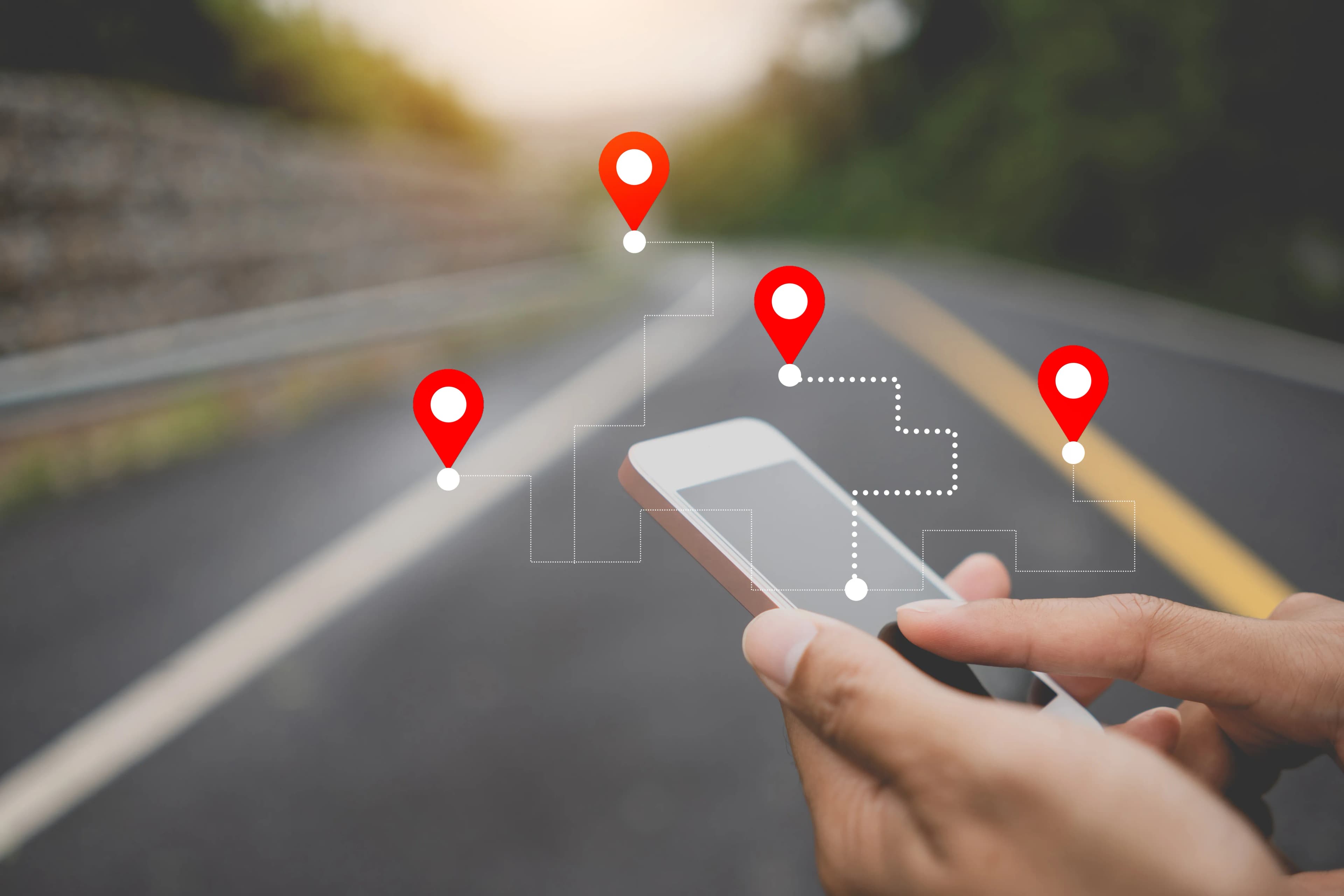
Local SEO is all the work you do so that your business appears on Google Maps and in the map section of search results for searches that include a location, such as "hairdresser near me" or "car repair in Bornova", or that show results based on location. It rests on four things: a correctly set up and verified Google Business Profile, business details written the same way everywhere, a website with content that matches your location and services, and genuine customer reviews. It applies to any business with a physical store, an office or a defined service area.
What is the difference between local SEO and regular SEO?
Regular SEO aims to get your website ranking high for searches on a topic across a whole country or language. Local SEO deals with results where two people making the same search are shown different businesses depending on where they are.
The two are not separate. Your Google Business Profile stands out in local results, but the quality of the website linked to the profile and your business's overall prominence online also affect ranking. That is why local SEO is built on top of your site's basic SEO health.
How does Google rank local results?
According to Google's own help page, local results are determined by three main factors:
- Relevance: how well your Business Profile matches the search. Category, services and description are decisive here.
- Distance: how far your business is from the searcher or from the location named in the search. You cannot change this, but you can define the area you serve correctly.
- Prominence: how well known the business is. Reviews, links to your website and sources on the web that mention your business fall under this heading.
On the same page, Google states clearly that there is no way to pay for or request a better local ranking. Paid placements you see on Maps and in local results are ads and are labelled as ads; they should not be confused with organic local ranking.
How do you set up a Google Business Profile correctly?
This is the step with the most impact in local SEO. After creating and verifying your profile, pay attention to the following:
- Business name: enter it exactly as it appears on your sign, invoices and website. Under Google's rules, adding keywords, marketing slogans or branch codes to the business name is not allowed. A name like "Joe's Auto Repair Cheapest in Town" can lead to the profile being suspended.
- Category: your primary category should be the one that describes your business most narrowly and accurately. Use additional categories only for services you really provide.
- Address or service area: if customers do not come to you and you provide the service at the customer's address (a plumber or a cleaning company, for example), you need to hide your address and define a service area. Virtual office addresses are not accepted.
- Opening hours: enter special hours for public holidays in advance. A business that shows as open on its profile but turns out to be closed gives customers a fair reason to be annoyed and leads to an avoidable negative review.
- Services and products: add each service separately with a short, clear description.
- Photos: exterior, entrance, interior, team and real examples of your work. Use your own photos instead of stock images.
- Updates and questions: share campaigns, new services or announcements on the profile, and do not leave customer questions unanswered.
How does your website support local SEO?
- Consistent business details: your name, address and phone number (NAP) should be written exactly the same way on your website, Business Profile, social media accounts and directories. Even "St." versus "Street" can create confusion over time.
- Contact page: address, map, opening hours, phone and, if relevant, parking or transport information on one page.
- Structured data: Google recommends providing your business name, address, phone number, opening hours and location in machine-readable form with LocalBusiness structured data. This markup does not raise rankings on its own, but it helps your details be understood correctly. Our article on structured data explains how it works.
- Location pages: if you have more than one branch, it makes sense to create a separate page for each branch with its real address, team, photos and information specific to that branch.
There is a serious mistake that is common here: copying the same text onto dozens of pages and changing only the city or district name. Google's spam policies list multiple pages that target specific regions or cities and funnel users to one page as an example of doorway abuse. Do not create pages for areas you do not serve or where you have nothing original to say.
How should you manage customer reviews?
Reviews affect both ranking and the searcher's decision. Google notes that replying to reviews shows you value customer feedback.
- Ask for a review as soon as you deliver the work; adding a short review link to the invoice email or thank-you message works well.
- Reply to all reviews, positive and negative. Answer negative reviews with an offer to fix the problem, not with a defense.
- Google Maps' user contribution policy prohibits getting reviews in exchange for discounts, free products or payment, asking only satisfied customers for reviews, and trying to suppress negative reviews. Purchased reviews, or reviews written by employees, can be removed and the profile can be penalized.
Why do local links and mentions matter?
A large part of prominence comes from your business being mentioned elsewhere online. Industry directories, the pages of professional chambers or associations you belong to, local news sites, pages of trade fairs and events you attend, and your business partners' sites are natural sources of links and mentions. Here too, what counts is not quantity but authenticity: being listed with correct details in a few places your customers actually look is worth more than signing up to hundreds of unrelated directories.
How do you measure local SEO work?
The Business Profile performance screen shows the searches used to find your profile, views, direction requests, call button clicks, website clicks and messages. If you add a campaign parameter (UTM) to the website link on your profile, you can also track what that traffic does on your site in your analytics tool. Looking at the monthly change in direction requests and calls is the most direct measure of how local visibility affects sales.
In short: local SEO checklist
- Create and verify your Business Profile, and write the name as it appears on your sign.
- Choose the right primary category and add your services one by one.
- Define your address or service area according to the rules.
- Keep opening hours and special-day hours up to date.
- Add real photos.
- Write your name, address and phone number the same way everywhere.
- Add a contact page and LocalBusiness structured data to your website.
- Build branch pages with original content, and do not create duplicate area pages.
- Ask for a review after every job and reply to all reviews.
- Check the performance screen monthly.
If you want to plan your local visibility together with your site's overall search performance, take a look at our SEO service. To talk about your own situation, contact us.
Related service
SEO agencySee how we work →How did this land for you?
Be the first to react
Found it useful? Share it:
Frequently asked questions
Can I do local SEO without a website?
A Google Business Profile on its own can get you onto Maps, so it is possible as a start. A website, however, lets you describe your services in detail, add structured data and support your profile's credibility; in areas with heavy competition, that is usually where the difference opens up.
How long does local SEO take to show results?
Basic steps such as correcting profile information can show an effect sooner, while prominence factors such as reviews and recognition build up over time. Giving a fixed timeframe would not be accurate, because the result depends on competition in your area and your starting point.
If I have several locations, is one profile enough?
Usually not. Each branch that receives customers is expected to have its own Business Profile; check Google's guidelines for representing your business for details. Each profile should carry its own address, phone number and opening hours, and link to that branch's own page on your website.
I work from home. Do I have to show my address?
If customers do not come to your address, you should not show it. Under Google's rules, businesses that serve customers at the customer's location hide their address and define the area they serve.
Is there a link between local SEO and AI search?
AI-powered search experiences also pull business information from sources across the web for local questions. Keeping your details consistent and current on your profile, your site and directories makes it more likely that you are represented correctly in those answers.
Sources
- Google'daki yerel sıralamanızı yükseltmeyle ilgili ipuçları — Google İşletme Profili Yardım
- İşletmenizin Google'da gösterilmesiyle ilgili kurallar — Google İşletme Profili Yardım
- Yasaklanmış veya kısıtlanmış içerik — Google Haritalar Kullanıcı Katkı Politikası
- Local Business (LocalBusiness) Structured Data — Google Search Central
- Spam Policies for Google Web Search — Google Search Central
Related articles
- Digital Marketing
SEO Uyumlu İçerik Nasıl Yazılır? Niyetten Yayına Kontrol Listesi
Arama niyetini okumaktan cevabı ilk paragrafta vermeye, iç bağlantıdan yapay zekâ alıntısına kadar SEO uyumlu yazımı ve yayın kontrolünü anlatıyoruz.
6 min read - Digital Marketing
Social Media Content Calendar: How to Build One Step by Step
Which columns a social media content calendar needs, how to set posting frequency and what to check at approval. Steps, tools and a checklist for building a calendar from scratch.
7 min read - Digital Marketing
How to Choose an SEO Agency: 6 Criteria to Check Before a Quote
Ranking guarantees, access rights, change logs, link methods, AI search advice and reporting: six criteria for choosing an SEO agency, based on Google's own guidance on hiring an SEO.
6 min read