How to Reduce Cart Abandonment Rate by Simplifying Checkout
Why is your cart abandonment rate high, which abandonment can you prevent, and which checkout changes reduce the loss? Cost transparency, forms, payment options and measurement, step by step.
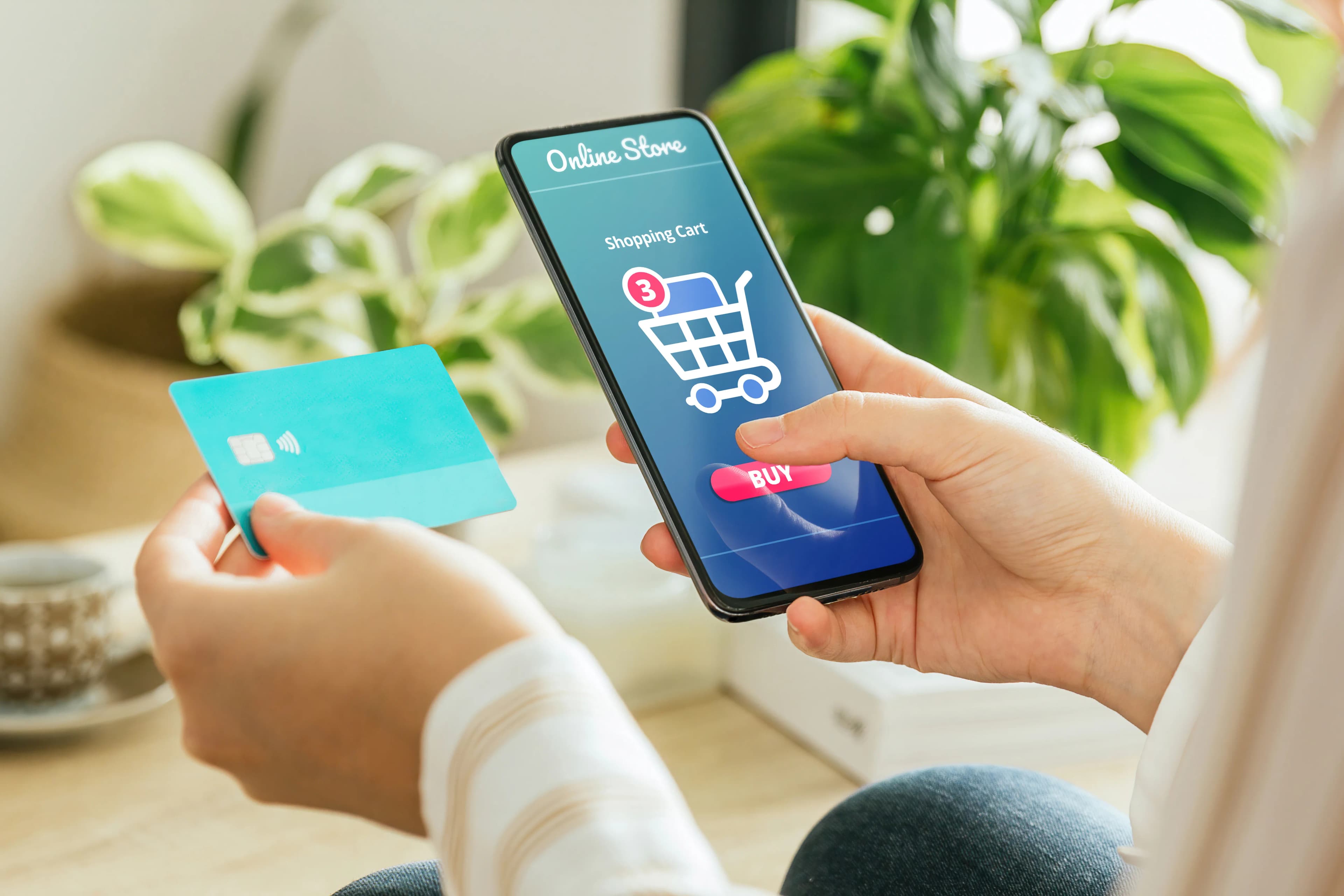
Cart abandonment rate is the share of visitors who add a product to the cart or start checkout but do not complete the purchase. According to Baymard Institute's list, which compiles 50 separate studies, the average rate is around 70 percent. Part of that loss is natural, but a large share comes from causes that design can fix: surprise costs, forced account creation and long forms.
You will not lower the rate with a single change. You lower it by finding the points on your checkout page that stop customers and removing them one by one. The order below moves from the cause that loses the most sales to the one that loses the least.
How do you calculate cart abandonment rate?
The most common formula is: divide the number of completed orders by the number of add-to-cart events (or checkout starts), then subtract the result from one. For example, if checkout was started in 1,000 sessions in a month and 300 orders were completed, your checkout abandonment rate is 70 percent.
Do not mix up two different rates. Cart abandonment also includes people who added a product to the cart and never moved on to checkout. Checkout abandonment shows those who reached the checkout page and left halfway. The second one reveals design problems more clearly, because that user was very close to buying.
To measure it, you need to set up ecommerce events in Google Analytics 4: `add_to_cart`, `begin_checkout`, `add_shipping_info`, `add_payment_info` and `purchase`. When these events are sent correctly, the funnel report shows at which step you are losing people. If events are missing, fix measurement first; otherwise you cannot tell which change worked.
Why do shoppers abandon their carts?
In Baymard's survey of US online shoppers, 42 percent of respondents said they left the cart because they were "just browsing" and not ready to buy. That group is largely impossible to prevent. The remaining reasons break down like this:
- Extra costs (shipping, tax, fees) too high: 40 percent
- Delivery too slow: 20 percent
- Did not trust the site with card details: 19 percent
- The site required creating an account: 18 percent
- Checkout process too long or complicated: 17 percent
- Website errors or crashes: 17 percent
- Could not see the total order cost up front: 12 percent
- Not enough payment methods: 9 percent
These figures are US data and should not be treated as directly valid for your store in another market. But the ranking is a good hint on where to start: the largest share sits in the cost surprise that appears at the last step.
How do you prevent surprises in shipping and the order total?
Show the shipping fee, the free shipping threshold and the estimated delivery time on the product page and in the cart. If customers see the total for the first time on the payment page, you are creating the strongest reason to abandon yourself.
For stores selling to consumers in Turkey, this is also a legal obligation. Turkey's Distance Contracts Regulation requires the pre-contract information to state the total price of the goods including all taxes, and any delivery, shipping and similar extra charges. For contracts concluded online, this information must be shown separately and clearly just before the consumer takes on the payment obligation. Hiding the total until the last step therefore hurts both conversion and compliance.
If there are extra charges such as a cash-on-delivery fee or an installment surcharge, show them at the moment of selection too. A one-line summary such as "Total including shipping" with the amount should stay fixed all the way to the payment screen.
How do you simplify the checkout steps?
Make guest checkout the default. Requiring an account stops first-time buyers. Google's web.dev guidance also recommends making guest checkout the default option. Offer the account after the order is complete, with one click; you already have the email and address.
Reduce the number of form fields. According to Baymard's testing, an ideal checkout flow can be completed with 12 to 14 form elements (7 to 8 if you count only fields), while the average across the US sites reviewed is 23.48 elements. Ask for the full name in a single field, make fields such as "company name" and "address line 2" optional, and treat the billing address as the same as the delivery address by default.
Show progress and remove distractions. A simple step indicator such as "Address, Delivery, Payment" tells users how far they have left to go. Removing the menu, promotional banners and product recommendations from the checkout page is also among web.dev's recommendations.
Keep the order editable at the last step. A user who has to go back to the cart to change a quantity falls back to the start of the flow, and some never return.
How do you make the checkout form easier on mobile?
On mobile, every tap is a chance to lose the sale. A few technical settings make a big difference:
- Give fields the correct `autocomplete` values (such as `name`, `email`, `tel`, `street-address`, `cc-number`). The browser then fills saved details in a single tap.
- Use `type="tel"` for phone and `type="email"` for email; for the card number, prefer `inputmode="numeric"` over `type="number"`.
- Ask for the card number in a single field; do not split it into four parts.
- Show errors while the user is filling in the field, not at the top of the page after they press submit. The message should say what is wrong and how to fix it.
A mistake we see often is custom date pickers and split fields that look good in the design but break the browser's autofill. After any change, try filling in the form on a real phone with saved details.
How do trust and payment options affect abandonment?
Around the area where card details are entered, keep short links to shipping, returns and contact information. Summarizing your return terms in one sentence on the checkout page prevents people from leaving the page to answer "can I return this?".
Choose payment methods for your audience. Beyond credit cards, read your order data to see which of debit cards, installments, bank transfer or digital wallets matters to your customers. Errors at the 3D Secure step or on the bank's side are also a cause of abandonment, so monitor the error codes from your payment gateway regularly. We cover that side of the setup in our article on payment gateway integration.
What can you do to recover abandoned carts?
A reminder email or SMS works if it brings the user back to their cart in one click. The link in the message should open the filled cart; a reminder that lands on an empty home page wastes the effort.
There is a legal point to watch, especially in Turkey: because a cart reminder is a message that steers the recipient toward a purchase, it is usually treated as a commercial electronic message. In that case it should not be sent without the recipient's consent recorded in Turkey's Message Management System (IYS). For consent collection and the IYS process, see our guide to permission-based marketing; if you are unsure about your own situation, ask your legal adviser. Outside Turkey, check the consent rules that apply in your market.
In short: a checkout page checklist
- Are the shipping fee and order total visible in the cart?
- Is guest checkout the default?
- Is the number of required fields at a minimum, and is the billing address assumed to match delivery?
- Do fields have the correct `autocomplete` values and keyboard types?
- Are errors shown instantly and clearly?
- Can return and delivery terms be read from the checkout page?
- Are your GA4 funnel events complete, and at which step is the loss?
- Has every change been compared against the same period before and after, or validated with an A/B test?
Make changes one at a time and measure each one. If you want your checkout flow reviewed end to end, take a look at our conversion optimization service.
How did this land for you?
Be the first to react
Found it useful? Share it:
Frequently asked questions
What is a good cart abandonment rate?
There is no universal target; the rate varies a lot by sector, product price and traffic source. With expensive products and cold traffic from ads, the rate is naturally higher. The healthiest comparison is your own store's previous periods and visitors from the same traffic source.
Does free shipping really reduce abandonment?
Because extra cost is the most frequently cited reason for abandonment, most stores see an effect, but the cost shows up in price or margin. Instead of fully free shipping, setting a threshold slightly above your average order value and showing it in the cart as "add this much more" can balance both abandonment and shipping cost.
Is a one-page checkout or a multi-step checkout better?
What decides it is not the number of pages but the number of fields and how clear the flow is. A multi-step flow with short forms and visible progress can work better than one crowded page. You only find out which works in your store by testing.
If I sell on a marketplace, which of these recommendations apply to me?
On a marketplace the checkout page belongs to the platform, so you cannot change the form or the payment methods. What you control is price, delivery time and fee, return terms and the clarity of information on the product page; so the cost transparency and delivery recommendations above apply on marketplaces too.
Sources
- 50 Cart Abandonment Rate Statistics 2026 — Baymard Institute, 22 Eylül 2025
- Mesafeli Sözleşmeler Yönetmeliği — Resmî Gazete, 27 Kasım 2014
- Ödeme ve adres formu en iyi uygulamaları — web.dev (Google)
- E-ticareti ölçme — Google for Developers
Related articles
- Digital Marketing
Email A/B Testing: Subject Lines, Content, Send Times and Open Rate
What to test in an email A/B test, what drives open rate, and how to pick a winner. Plus why Apple Mail Privacy Protection makes open rate a misleading metric for choosing between versions.
7 min read - Digital Marketing
How to Choose an SEO Agency: 6 Criteria to Check Before a Quote
Ranking guarantees, access rights, change logs, link methods, AI search advice and reporting: six criteria for choosing an SEO agency, based on Google's own guidance on hiring an SEO.
6 min read - Digital Marketing
On-Page SEO Checklist: Titles, Meta Descriptions, H1 and Content
What do Google's own docs say about title tags, meta descriptions, H1s and content? We separate real guidance from popular rules like character limits and a single H1, and finish with a page checklist.
7 min read