Promotional Video Production: From Script to Delivery, Step by Step
Making a promotional video runs through purpose, script, pre-production, the shoot and editing. Here is what to do at each stage, which editing software fits, and when to hire a production team.
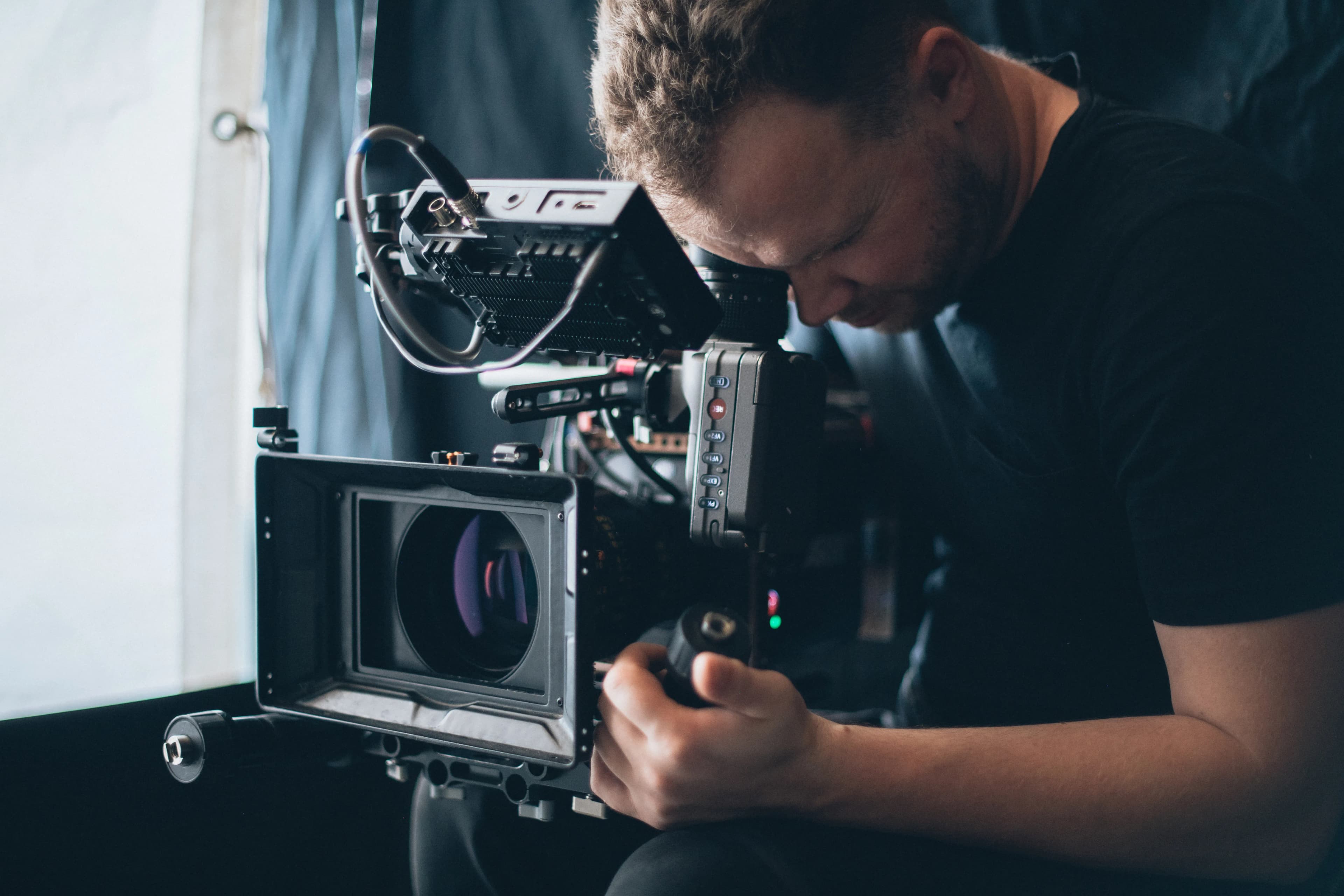
Promotional video production runs through five stages: defining the goal and where the video will run, writing the script and storyboard, pre-production (location, crew, permissions, shooting plan), the shoot, and finally editing, color, sound and delivery. What shapes the quality of the film most is not the camera but the decisions made before the shoot. Below we cover what to do at each stage, which software you can use and when it makes sense to hand the job to a team.
First decide: where will the film play, and for whom?
The same film does not work everywhere. A silent loop on your website's home page, a film shown as an ad on YouTube and a video running on a screen at a trade fair stand all need different edits.
Before shooting, answer these questions in writing:
- Goal: Is the film for brand awareness, explaining a product, recruitment or an investor presentation?
- Audience: Whose question does the film answer? A purchasing manager and an end user do not speak the same language.
- Where it runs and format: On YouTube, the standard aspect ratio on desktop is 16:9; for social media content watched vertically on phones, plan for 9:16. If you are targeting more than one channel, the shoot has to account for that from the start.
- Length: Target lengths for the main film and the short cuts. Short cuts are not carved out in the edit; they are planned in the script.
- Success measure: Views, form submissions, or the sales team using it in presentations?
How do you write a promotional video script and storyboard?
The script is the skeleton of the film: which message comes in which order, who speaks, the voiceover text and the on-screen text. A common mistake in promotional films is trying to fit everything the company wants to say into one film. A film should carry one main idea; the others belong in short cuts or separate videos.
The ABCD approach Google recommends for video ads is also a good checklist for a promotional video script:
- Attention: Hook viewers in the first seconds; use fast pacing, close-ups and on-screen text supported by sound.
- Branding: Show the brand from the very start and remind viewers of it visually and audibly throughout the film.
- Connection: Put people into the story, keep the message focused and use humor or surprise where it fits.
- Direction: Tell viewers clearly what to do next: visit the website, search, request a quote.
Google states that these principles deliver up to a 30 percent increase in short-term sales likelihood and up to a 17 percent increase in long-term brand contribution. These figures were measured on ad films; still, the logic of caring about the first seconds and about brand visibility applies to every promotional film.
The storyboard is the visual draft of the script as a series of frames. For each scene you note the framing, the camera movement and the sound or text that runs over it. Simple sketches are enough; the goal is to remove the question "how were we going to shoot this?" on the day.
What do you prepare in pre-production?
The productivity of the shoot day is decided at this stage.
- Shot list: The shots to be filmed for each scene, in order and grouped by location.
- Location: Direction of light, noise, power and filming permission. For factory or office shoots, agree in advance on the hours when production can be paused.
- Actors and employees: The image of employees who appear in the film is personal data. People should be told whose image will be used, for what purpose and for how long, and written consent should be obtained.
- Music: Not every piece of music you find online can be used in a commercial film. Working from a licensed library or with a score written for the film is the safest way to avoid copyright claims after publication.
- Shooting schedule: Which scene at what time, who needs to be present, and what the backup plan is.
How do you make the shoot day productive?
The shoot day is not a day for new decisions; it is a day for executing the plan. Still, a few habits noticeably improve the result.
Sound is less forgiving than picture. A scene shot in poor light can be partly rescued in color grading; an echoey or noisy interview recording usually cannot. For scenes with dialogue, a lavalier microphone and a quiet room are essential.
Cutaway shots (B-roll) are the edit's insurance. Close-ups of hands at work, product details, wide shots of the space: these sit over the interview audio and give the film pace. Shooting each scene from several angles and for long enough gives you flexibility in the edit.
If you need vertical and horizontal versions, leave room in the frame for both. Keeping the key subject in the center of the frame makes it easier to cut a vertical version later.
What happens in post-production and delivery?
In the edit, scenes are selected and ordered, then color grading, sound cleanup, and the music and voiceover mix are done. Logo animation, subtitles and graphics are added.
Do not treat subtitles as an extra. Many users in social media feeds watch videos with the sound off; when a promotional film with dialogue has no subtitles, those people miss the message.
At delivery, think of a package rather than a single file: the main film, short cuts, vertical and square versions, and copies with and without subtitles. For uploads to YouTube, the platform's own recommendation is an MP4 container, the H.264 video codec and uploading at the frame rate the video was shot in.
Which software should you use to edit a promotional video?
The choice of software depends more on workflow than on budget. Common options are:
- DaVinci Resolve: The free version offers editing, color grading, effects (Fusion) and audio (Fairlight) tools in one program. The paid Studio version adds extra features and wider format support.
- Adobe Premiere Pro: Used by subscription; often chosen by teams that work with Adobe's other applications.
- Final Cut Pro: Runs only on Mac.
- CapCut: An editor with a free version that runs on desktop, web and mobile; practical for quick social media cuts.
Software does not fix a weak script, bad lighting or echoey sound. If you will produce short social media videos in-house, starting with a free program is enough; for the main film that will represent your brand, shooting and sound quality matter more than the software. For format and length choices on social platforms, see our guide to social media video production.
Should you make it yourself or hire a team?
Producing in-house makes sense for regular, short social media videos, product how-to videos and quick announcements. A professional team makes the difference for the main promotional film that will be used on your website and in presentations for years, for factory or facility shoots, for work that needs actors and voiceover, and for films that will run as ads.
The factors that set the cost are the number of shooting days, crew size, number of locations, actors and voiceover, animation needs, music licensing and the number of versions to be delivered. Clarifying this list from the start makes quotes comparable.
In short: a pre-shoot checklist
- Are the goal, audience and channels written down?
- Does the script carry a single main idea, and have the first seconds and brand visibility been considered?
- Are the shot list, location and employee consents ready?
- Is the music license settled?
- Has the delivery package (versions, subtitles, formats) been defined from the start?
If you want to plan your promotional film together with photo and video production, take a look at our photo and video services or contact us to talk about what you need.
How did this land for you?
Be the first to react
Found it useful? Share it:
Frequently asked questions
How long does it take to produce a promotional video?
There is a big difference between a single-location, interview-led film and a multi-location film with actors and animation. Timing is set mostly by script approval, the availability of locations and people, and the number of revision rounds. Leave time for approval steps when you plan the schedule; delays usually happen in approvals, not in the shoot.
Can you shoot a promotional video on a phone?
For short social media videos, current phones deliver enough image quality. The real limits are sound and light; even a phone shoot improves noticeably with an external microphone and controlled lighting. For a main promotional film that will be used for years, a camera crew and equipment are usually the safer choice.
Do you need consent for employees to appear in a promotional video?
Yes. A person's recognizable image is personal data. Employees who appear in the film should be told for what purpose, on which channels and for how long their image will be used, and their written consent should be obtained. Agree from the start on what happens to the film when an employee leaves.
In what format should you receive the finished promotional video?
Alongside a high-resolution master copy, ask for separate files for the web, YouTube and social media. Project files and the usage terms of the licensed music should also be written into the delivery package, so that you do not have to start over when you later need a short cut or an update.
Sources
- Etkili video reklamların ABCD'si hakkında — Google Ads Yardım
- Video çözünürlüğü ve en boy oranları — YouTube Yardım
- YouTube tarafından önerilen yükleme kodlama ayarları — YouTube Yardım
- DaVinci Resolve — Blackmagic Design
- 6698 sayılı Kişisel Verilerin Korunması Kanunu — T.C. Cumhurbaşkanlığı Mevzuat Bilgi Sistemi
Related articles
- Brand & Design
Social Media Video Production: Process, Formats and Planning
Social media video production runs from brief and script to shoot, edit and publishing. Here is what to watch for at each step, plus the right formats and aspect ratios for each platform.
6 min read - Brand & Design
How to Build a Brand Strategy From Scratch: Step by Step
Brand strategy comes before the logo: it sets out who you speak to, what you promise and why anyone should believe it. The steps for building a brand from scratch, with a worked positioning example.
7 min read - Brand & Design
How to Design Product Packaging: Principles That Drive Purchase
The packaging design process step by step: the brief, information hierarchy, mandatory label information, print preparation and shelf testing, so your pack is noticed on the shelf and in online listings.
6 min read