Social Media Design System: Templates, Sizes and Rules
Consistent social media design comes from a template system. Brand basics, templates by content type, 2026 Instagram sizes, the 3:4 profile grid and the readability checks to run before you publish.
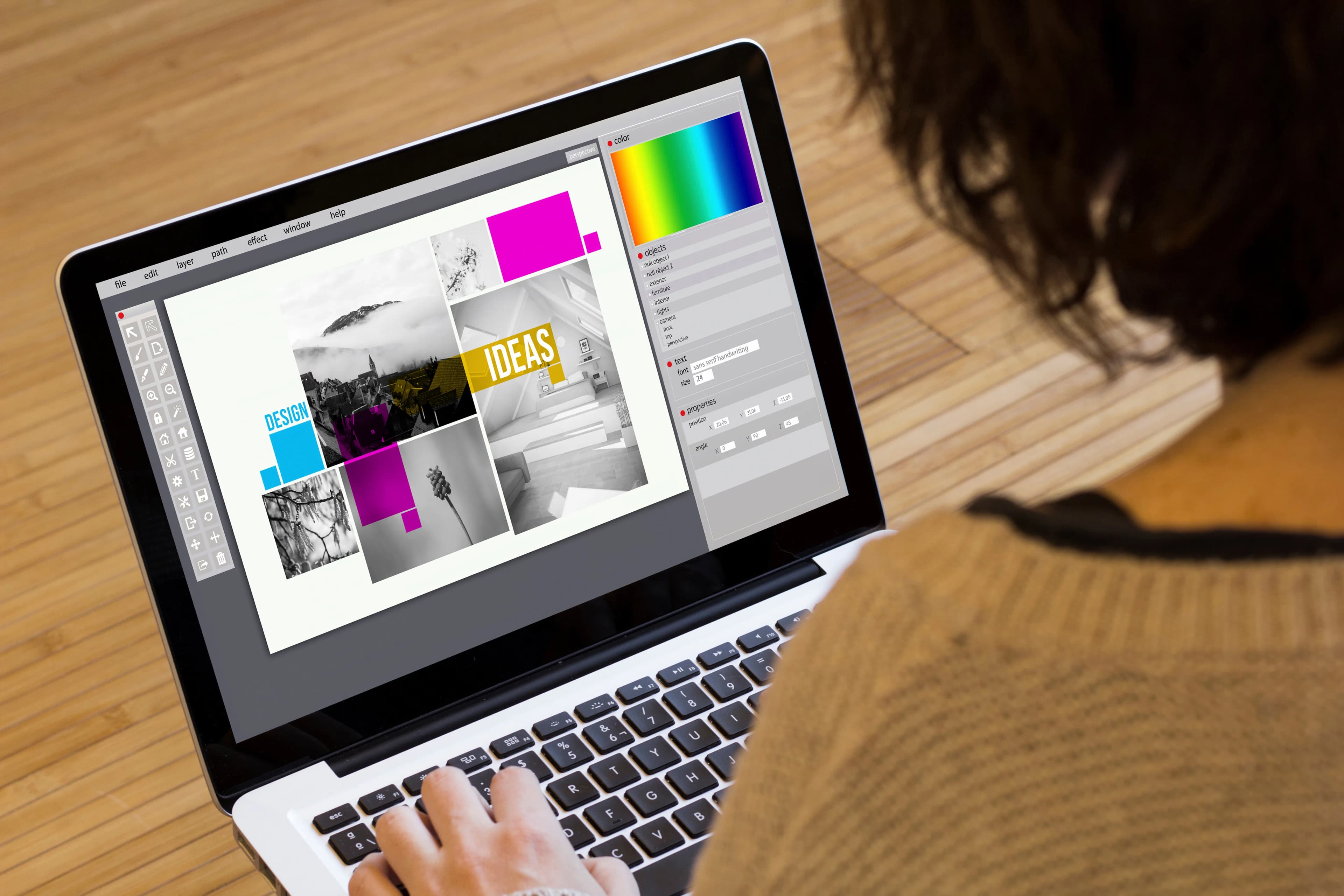
Social media design becomes both fast and consistent when you stop drawing every post from scratch and work from a template system built on your brand colors, typefaces, logo placement and content types. The order is: fix your brand basics, list the content types you post regularly, build a template for each type in the right platform size, test readability on a phone, and share the templates in a way the team cannot break.
Below we walk through these steps, together with the Instagram sizes that apply as of 2026.
Why should social media design run on a template system?
In a feed, people often look at a post for a second or two. In that moment, what identifies the account is not the logo but the repeating visual pattern: the same color family, the same headline style, the same small mark in the same corner. When every design follows a different person's taste, that recognition never forms.
The second benefit of a template system is production speed. For a brand posting five times a week, designing every visual from scratch means the team spends its time aligning elements instead of developing ideas. With a template that separates fixed areas (logo, color block, footer) from variable areas (headline, image, short text), a post can be ready in minutes.
Which decisions come before the templates?
A template is the application of brand decisions; without those decisions the template will be messy too. Before you start, settle the following:
- Colors: One primary color, one or two supporting colors and a rule for text on dark and light backgrounds. We explain the selection method in our article on choosing a brand color palette.
- Typefaces: One headline and one body typeface are enough. They must stay readable at small sizes on a phone.
- Logo use: Which version, which corner, what size. Not every post needs a large logo; a small, fixed mark is less intrusive.
- Photo style: Bright or high contrast, people or product focused, filters or no filters?
- Graphic element: A shape, line or frame that will repeat. This small element often carries most of the recognition.
If these decisions are already written down in a corporate identity guide, derive the social media section from there.
Which templates do you need for each content type?
Group the posts you have published over the last three months. For most brands the picture is made of the types below, and a separate skeleton for each works well:
- Info cards and carousels: Three parts: cover, inner page and closing page. On inner pages the headline should always sit in the same place.
- Announcements: A wide headline area for the date, time and a one-sentence message.
- Product or service promotion: A large image area, a short benefit line and a fixed spot for the price or call to action.
- Quotes and customer reviews: Text-led, on a plain background. Use real reviews that you have permission to share.
- Events and campaigns: You can add a seasonal color accent, but keep the base layout.
- Story and Reels covers: A vertical cover template that looks consistent on the profile.
Five or six template families are enough for most brands for a year. The more templates you add, the harder consistency becomes.
What are the Instagram post sizes in 2026?
On Instagram, photo posts are at most 1080 pixels wide. At that width, the ratios in use are:
- Square (1:1): 1080 x 1080 pixels.
- Portrait (4:5): 1080 x 1350 pixels. For a long time this was the format that took up the most space.
- Portrait (3:4): 1080 x 1440 pixels. In May 2025 Instagram started supporting 3:4 photos, the default ratio of phone cameras, without cropping in single posts and carousels.
- Stories and Reels (9:16): 1080 x 1920 pixels.
The change that affects design most happened in the profile grid: in January 2025 Instagram switched the profile grid from squares to 3:4 rectangles. As a result, a post you designed as 4:5 or square appears cropped at the edges on your profile. The practical rule: place the headline and logo in the middle of the image, with margin from the edges. On Story and Reels covers, keep important text in the center too, because interface elements cover the top and bottom.
Sizes change from time to time; before you build a new template for LinkedIn, Facebook or X, check that platform's current help page.
How do you make sure the design reads well on a phone?
Almost all social media design is seen on a phone. Thin type that looks elegant on a desktop screen can become unreadable on a phone. Before you approve a template, run these checks:
- Send the image to your phone and look at it at normal scrolling speed. Can you read the headline at a glance?
- Give one message per image; leave longer explanations for the caption or a carousel.
- Keep enough contrast between text and background. The web accessibility standard WCAG 2.2 sets a minimum contrast ratio of 4.5:1 for normal-size text, which is also a good reference for social media visuals.
- If you put text on a photo, use a semi-transparent color block or darken the image.
- Add alt text when you post; it is the only way screen reader users learn what the image shows.
How should the team use the templates?
A template that only lives on the designer's computer is not a system. Set up a shared library in the design tool your team uses; lock the logo, color and typeface areas and leave the variable areas open. Give files consistent names such as "type_platform_ratio" so the right template can be found without searching.
Having one person do a final check before publishing catches problems such as typos and the wrong logo. Review your templates every three months: strengthen the types that get the most engagement and remove the ones nobody uses. Avoid frequent radical changes; recognition comes from repetition. To match your posting plan to your templates, see our article on building a social media content calendar.
In short
- Fix colors, typefaces, logo use and photo style first, then build templates.
- Five or six template families are enough for your regular content types.
- Instagram uses 1:1, 4:5 and 3:4 at 1080 pixels wide; since the profile grid is 3:4, keep key elements in the center.
- Test every template on a phone for readability and contrast.
- Share templates with locked areas and review them every three months.
If you would like to set up a social media template system for your brand, take a look at our graphic design service.
Related service
social media marketingSee how we work →How did this land for you?
Be the first to react
Found it useful? Share it:
Frequently asked questions
Is it enough to use ready-made Canva templates?
They help you get started, but because thousands of accounts use the same template they do not set you apart. If you rework a ready-made template around your own colors, typefaces and graphic element, you keep the speed and get a look that belongs to your brand.
How much text should a social media image have?
One image should carry one message; in most cases a short headline and one supporting line are enough. Split topics that need explanation into a carousel or move them to the caption. An image that cannot be read on a phone in two seconds is usually scrolled past.
My old square posts look bad in the new profile grid. What should I do?
You do not need to delete old posts; it is enough to switch to 3:4 or center-safe 4:5 designs for new ones. Pinned posts are the most visible on your profile, so redesigning them for the new ratio is a good first step.
Do ad visuals need separate templates?
Usually, yes. Ads are shown in different placements (feed, stories, explore) and have more limited room for text, so a separate template family focused on product and offer makes your work easier. The visual language should still match your organic posts.
Sources
- Instagram Finally Adds Support for 3:4 Aspect Ratio Photos — PetaPixel, 2025-05-29
- No more cropping: Instagram changes standard photo aspect ratio — 9to5Mac, 2025-05-29
- Web Content Accessibility Guidelines (WCAG) 2.2 — W3C
Related articles
- Brand & Design
Social Media Video Production: Process, Formats and Planning
Social media video production runs from brief and script to shoot, edit and publishing. Here is what to watch for at each step, plus the right formats and aspect ratios for each platform.
6 min read - Brand & Design
How to Design Product Packaging: Principles That Drive Purchase
The packaging design process step by step: the brief, information hierarchy, mandatory label information, print preparation and shelf testing, so your pack is noticed on the shelf and in online listings.
6 min read - Brand & Design
Drone Filming in Turkey: Licences, Permits and the 2026 Rules
Planning drone footage for a corporate film in Turkey? Licence levels, registration, airspace zones and permit rules under the new SHT-İHA instruction published in July 2026, plus a pre-shoot checklist.
6 min read