Social Media Video Production: Process, Formats and Planning
Social media video production runs from brief and script to shoot, edit and publishing. Here is what to watch for at each step, plus the right formats and aspect ratios for each platform.
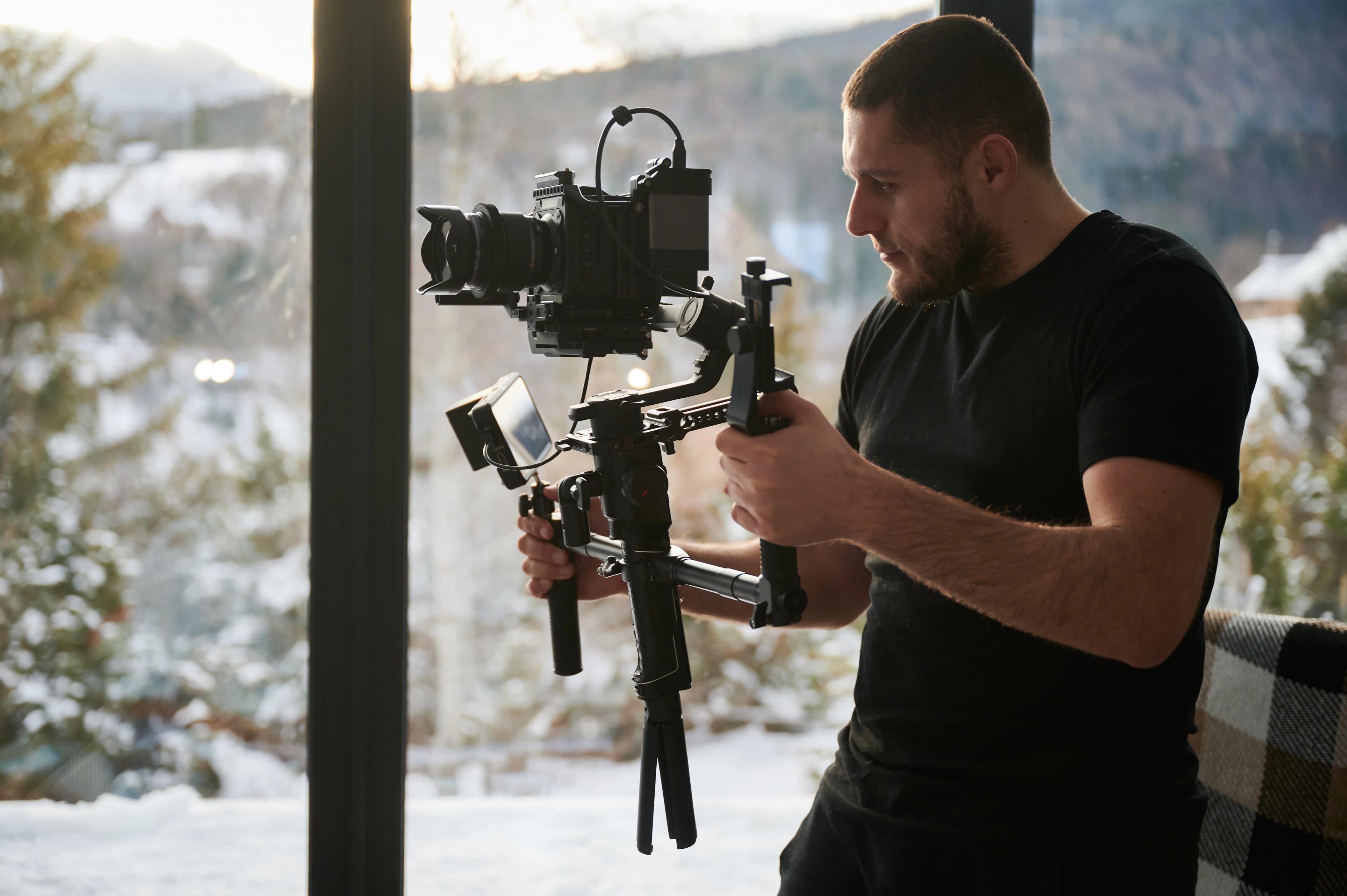
Social media video production is a process made up of a brief that sets the video's purpose, a script that designs the first seconds, a shoot planned with several formats in mind, a captioned edit, and measurement after publishing. What sets it apart from a TV commercial is that the video is not a one-off job: it is part of a content series that is adapted to different platforms and corrected based on its data. Below we go through what to watch for at each step, in order.
Why does social media video need its own production approach?
On social media, a video appears inside a feed the viewer did not choose. The user is about to swipe; if the first moment does not stop them, it no longer matters how good the rest is. That is why cutting down a corporate promo film and posting it as a Reel rarely delivers the result you expect.
The second difference is viewing conditions. Videos are watched on a phone, held vertically, and often with the sound off. Framing, text size and storytelling need to be built for that.
What steps make up the production process?
1. Brief: what is the video for?
Every video should serve one job: introducing the brand, showing how a product is used, announcing a campaign or answering a question. The brief should state the target audience, the platforms it will run on, the action you expect from the viewer (visit the profile, fill in a form, buy) and how success will be measured. A shoot without a clear brief comes back in the edit as "how are we going to tell this?"
2. Script and hook
In short videos, the most important part of the script is the first few seconds. The opening that stops the viewer is called the hook: a question, an unexpected image, showing the result first, or a direct claim. After that, a single message is told and the video ends with a clear close. Shooting three separate videos instead of squeezing three messages into one is more efficient for both viewing and production.
Plan the on-screen text while you write the script. Someone watching with the sound off will get the message only from captions and on-screen text.
3. Shot list and framing plan
Before the shoot day, list which scene will be filmed, from which angle and in which format. In social media production, the decision that saves the most time is framing so that the same footage can produce both vertical and horizontal outputs. Keeping key elements in the center of the frame stops a person or product from being cut off in a vertical crop.
Platform interfaces also cover part of the frame: the username, caption, and like and comment buttons. Do not leave on-screen text or the product underneath those areas.
4. Shooting: sound matters more than picture
Viewers will often tolerate a soft image, but not sound they cannot understand. A video shot on a good phone with clean audio is usually easier to watch than one shot on an expensive camera with muddy sound. For talking content, a lavalier microphone, soft and sufficient light indoors, and a background that does not distract are the basics. The choice of camera matters when you need color consistency, slow motion or a cinematic look.
5. Editing, captions and music
Set the editing pace to the platform: in short vertical videos, cut every unnecessary second; in educational content, leave the explanation room to breathe. Captions are not optional; they are standard. They should be readable in size and positioned so they are not hidden under interface elements.
Be careful with music. YouTube states that using copyright-protected material in Shorts can lead to a Content ID claim and, with a valid takedown notice, to the video being removed and a copyright strike. Brand accounts should use music libraries the platform allows for commercial use, or licensed music.
6. Publishing and measurement
The work does not end when the video goes live. Look less at view counts and more at how much of the video people watched and at which second they dropped off. The drop-off point directly improves the script of your next video.
How do you choose the format for each platform?
Platform technical limits can change, so it is a good habit to check the relevant help page before publishing. Here is what we verified as of September 2026:
- YouTube Shorts: Videos with a square or vertical aspect ratio and up to 3 minutes long can be uploaded as Shorts.
- YouTube (long form): The standard format on desktop is 16:9. For 9:16 vertical videos, YouTube adds its own padding to the player and recommends not adding black bars to the video yourself.
- LinkedIn: Company pages support aspect ratios between 1:2.4 and 2.4:1, so vertical, square and horizontal videos can all be uploaded.
- Instagram Reels and TikTok: These are feeds designed for full-screen vertical viewing; vertical (9:16) is the de facto standard on these platforms.
A practical rule: plan the main shoot vertically and edit a separate horizontal version for YouTube and your website. Doing the opposite, shooting horizontally and cropping to vertical, usually ruins the framing.
How much content can one shoot produce?
From a well-planned half-day shoot you can get a main video, short vertical cuts from it, cover and post images from screen grabs, and behind-the-scenes content. For that, the shot list needs to say in advance which output each scene will serve. In an unplanned shoot, the same material is later forced into different formats and quality drops.
If your content calendar calls for weekly posts, planning two short shoot days a month instead of one big shoot makes it easier to keep up with what is current.
What drives the cost of production?
The budget for social media video production does not depend on a single line item. These factors change the cost the most:
- Number of shoot days and location (studio, outdoor, client facility)
- Use of actors, presenters or content creators
- Equipment needs (drone, slow motion, special lighting)
- Editing intensity, animation and graphics
- How many videos per month and how many format versions
- Music and image licenses
Clarifying these items at the brief stage also makes proposals easier to compare. For our own packages, see our pricing page.
Checklist before you start shooting
- Does the video have a single purpose and a measurable goal?
- Is a hook written for the first seconds?
- Is it clear which platforms it will run on and in which aspect ratio?
- Is the framing planned for both vertical and horizontal output?
- Is a microphone set up for sound recording?
- Are captions and on-screen text in the script?
- Is the music licensed for commercial use?
If you are not sure which platforms to focus on, start with our article on choosing the right social media platform. If you want to plan video production from shoot to edit with a team, take a look at our photo and video service, and for publishing and community management, our social media management page.
Related service
social media marketingSee how we work →How did this land for you?
Be the first to react
Found it useful? Share it:
Frequently asked questions
Can you shoot social media videos on a phone?
Yes, current phones offer enough image quality for social media. The difference usually comes down to sound, light and a steady shot; a lavalier microphone, a simple light and a tripod noticeably improve a phone video. A camera is the better choice for product detail, slow motion or cinematic color.
How long does it take to produce a social media video?
A simple talking video can be ready within a few days, while scripted work with actors or animation can stretch over several weeks. The speed of script approval and the number of revisions affect the timeline most. For regular monthly production, batching shoots shortens it.
Is it wrong to post the same video on every platform?
Not wrong, but it can be inefficient. At a minimum, adapt the aspect ratio, caption position and opening seconds to each platform. Uploading a video that still carries another platform's watermark or interface traces does not look professional.
Can brand videos use popular songs?
Some music available to personal accounts may not be usable on business accounts. Brand accounts need to use the platforms' music libraries cleared for commercial use, or licensed music. Otherwise the video may be muted or removed, or you may receive a copyright strike.
Sources
- Upload YouTube Shorts - Computer - YouTube Help — YouTube Yardım
- Video resolution & aspect ratios - Computer - YouTube Help — YouTube Yardım
- Video specifications for your LinkedIn Pages and Career Pages — LinkedIn Help
Related articles
- Brand & Design
Promotional Video Production: From Script to Delivery, Step by Step
Making a promotional video runs through purpose, script, pre-production, the shoot and editing. Here is what to do at each stage, which editing software fits, and when to hire a production team.
6 min read - Brand & Design
Social Media Design System: Templates, Sizes and Rules
Consistent social media design comes from a template system. Brand basics, templates by content type, 2026 Instagram sizes, the 3:4 profile grid and the readability checks to run before you publish.
6 min read - Brand & Design
How to Design Product Packaging: Principles That Drive Purchase
The packaging design process step by step: the brief, information hierarchy, mandatory label information, print preparation and shelf testing, so your pack is noticed on the shelf and in online listings.
6 min read